

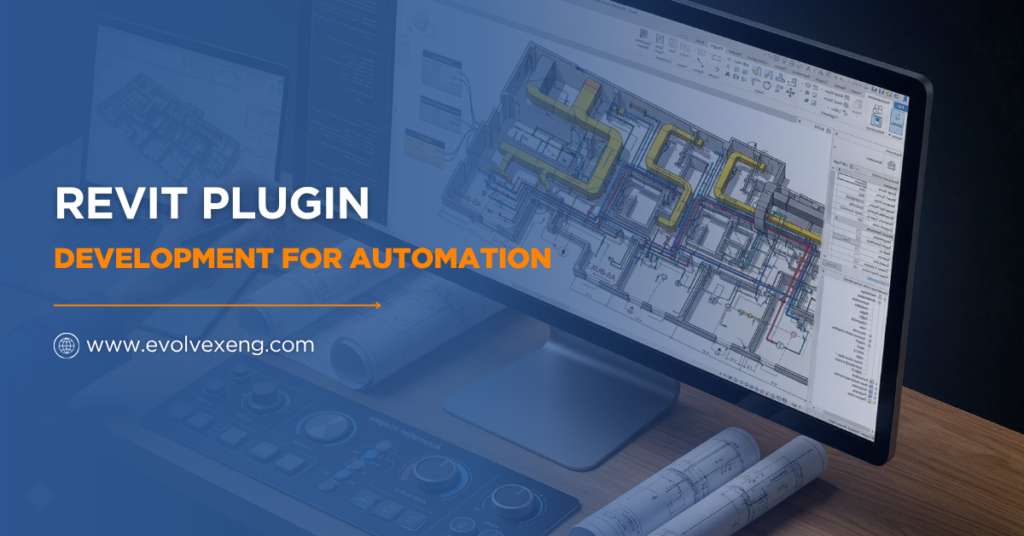
Revit Plugin Development for Automation is changing how BIM workflows operate across global projects. Manual tasks often slow progress and reduce accuracy in complex models. However, automation introduces speed, consistency, and smart execution.
Revit automation tools now allow teams to handle repetitive modeling tasks without constant intervention. This move helps output skyrocket while cutting down on mistakes. On top of that, Autodesk Revit automation plugins make sure everyone is following the same project standards. It’s just the natural way modern AEC teams are working now.
In addition, Revit API Automation enables deeper customization. That means workflows align better with project needs. Automation is no longer optional. Instead, it becomes a competitive advantage. Therefore, understanding Revit plugin development for BIM automation is essential. This breakdown goes into the tools, strategies, and latest trends, making this shift happen.
Understanding Revit Plugin Development for Automation
Revit Plugin Development for Automation is all about pushing the software further. It lets you build custom tools that handle the boring, repetitive, or super complex jobs for you. Revit add-in development uses the Revit API to build such tools.
Automation within Revit includes:
- Revit scripting and automation
- Revit workflow automation
- Custom Revit plugins
- Revit software automation solutions
These elements work together to simplify modeling processes. Moreover, Revit automation tools for architects and engineers reduce manual effort. That leads to faster project delivery.
Why Revit Automation Matters in BIM Projects
Automation drives efficiency in BIM environments. Revit plugin development for automation removes repetitive steps from daily tasks. As a result, teams focus on design quality instead of manual corrections.
The big wins here are faster modeling, which really shaves time off your schedule. You also get rid of human error, so your data is actually trustworthy. Everything comes out standardized, which keeps things consistent from start to finish. Plus, it just makes collaboration smoother because the whole team stays on the same page.
Additionally, BIM automation with Revit ensures consistent data handling. That becomes critical in large-scale projects.
Core Components of Revit API Automation
Revit API automation forms the backbone of plugin development. It allows developers to interact with Revit programmatically. Autodesk Revit API development uses .NET frameworks, mainly C#. Important components include:
| Component | Purpose |
|---|---|
|
Revit .NET API automation |
Enables plugin execution |
|
External commands |
Runs user-triggered actions |
|
Revit SDK tools development |
Provides development resources |
|
Revit macro vs plugin automation |
Defines automation approach |
Revit C# plugin development is still the go-to method. It gives you the most flexibility and total control over how your automation logic actually runs.
How Revit Plugins Automate Workflows
Revit Plugin Development for Automation cleans up your workflow by killing off manual steps. These plugins can handle model updates, pull data, or swap out parameters in a heartbeat.
Most people start by automating repetitive tasks in Autodesk Revit to save themselves a massive amount of effort. Being able to generate reports instantly also makes the whole documentation side of things much less of a headache.
Swapping out dozens of elements at once makes model updates way more efficient. Also, having the tool validate model data ensures everything is accurate across the whole project. Using Revit automation scripts is another great way to get things moving fast. However, plugins offer more scalability.
Dynamo vs Revit Plugin Automation
Automation often raises the question of tools. Dynamo vs Revit plugin automation remains a common comparison. Dynamo provides visual scripting. It suits quick automation tasks. However, plugins offer deeper control and performance.
| Feature | Dynamo | Revit Plugins |
|---|---|---|
|
Ease of use |
High |
Medium |
|
Customization |
Limited |
Extensive |
|
Performance |
Moderate |
High |
|
Scalability |
Low |
High |
Both have their place, but Revit plugin development for automation is definitely the better choice if you’re looking for a serious, enterprise-grade solution.
Best Revit Plugins for Automation in BIM Projects
There are plenty of Autodesk Revit automation plugins out there that really boost productivity. They cover all sorts of needs in a BIM workflow, whether you’re focusing on the 3D modeling side or the heavy data management.
Popular capabilities include clash detection, parameter automation, and documentation generation. Furthermore, these plugins support Revit workflow automation across teams. For deeper technical insights, explore this resource Revit API documentation.
Custom Revit Plugins and Development Services
Custom Revit plugins are built for those specific project needs that off-the-shelf software just can’t handle. That is exactly why custom Revit automation plugin development services are so sought after.
Key services include:
- Revit automation consulting
- Custom BIM automation services
- Revit plugin development company support
- Revit automation services
You don’t have to do it all in-house, either. Lots of firms now outsource Revit automation solutions to developers who live and breathe this stuff. That ensures faster delivery and expert implementation.
Revit Automation Coding Using C#
C# remains the primary language for Revit automation coding. It integrates seamlessly with the Revit API. Developers use it to create robust automation tools.
The typical development process includes setting up Revit SDK tools to create a proper development environment. Next, writing external command logic defines how the plugin will function. After that, testing within the Revit environment ensures everything works correctly. Finally, deploying add-ins makes the plugin available for practical use.
Revit external command development plays a critical role here. It allows the execution of automated functions inside Revit.
How to Automate Tasks in Revit Using Plugins
Revit Plugin Development for Automation usually follows a simple path: find the tasks that are eating up your time, and then build a plugin to take them over.
Steps include:
- Define workflow requirements
- Use Revit API automation
- Build plugin logic
- Test across scenarios
Automation makes sure your models stay consistent. It also means you aren’t stuck doing manual tweaks all day long.
Revit Plugin Development for BIM Automation Trends
BIM automation is moving fast. These days, Revit plugin development for BIM automation is even pulling in AI features to help with predictive modeling and catching errors before they happen.
Emerging trends include:
- Cloud-based automation tools
- Integration with external platforms
- Real-time data synchronization
- Advanced analytics
Revit automation tools are getting more powerful every day. Because of that, our workflows are becoming much smarter and more flexible.
Hiring and Outsourcing Revit Plugin Development
Getting the right people on board is key. A solid Revit plugin development company will give you a tool that actually works, especially since their developers know Revit API automation inside out.
Options include:
- Hire Revit plugin developers
- Outsource Revit automation solutions
- Partner with a BIM automation solutions provider
Both ways give you flexibility, but choosing to outsource often keeps your costs down without losing that high-level expertise.
Challenges in Revit Plugin Development for Automation
Automation isn’t without its hurdles. These APIs are complex and need real technical skill to navigate. Also, debugging these plugins can definitely eat into your time.
You’ll often run into API limitations that might block exactly what you want to build. You also have to deal with compatibility issues whenever a new Revit version or system update drops. You’ve got to optimize for performance so the plugins don’t lag or crash your workflow. Plus, there’s the ongoing maintenance to keep everything running right. Even with all that, the benefits are still way better than the downsides.
Conclusion
Revit Plugin Development for Automation brings real, measurable wins to your workflow. It cuts out the manual grind and makes things more accurate. It’s also the only way to scale your solutions on big, complex jobs.
Custom plugins give you a lot of flexibility and value over time. That is why leaning into automation is a must for any modern AEC firm. Good API integration keeps things reliable, and as things change, automation is going to be the main driver for innovation.
For advanced solutions, professional support becomes critical. Get a quote today for Revit automation services. Contact today to transform workflows with expert-driven automation strategies.
FAQs on Revit Plugin Development
What is Revit Plugin Development for Automation?
Revit Plugin Development for Automation creates custom tools using APIs. These tools automate repetitive BIM tasks. As a result, workflows become faster and more efficient.
How does Revit API automation work?
Revit API automation allows developers to interact with Revit software. It uses C# and .NET frameworks. This enables the creation of plugins for task automation.
What are the benefits of Revit automation tools?
Revit automation tools make everything faster, more accurate, and more consistent. They stop the manual slog and give productivity a real boost on BIM projects.
Is Dynamo better than Revit plugins for automation?
Dynamo is great for quick visual scripts, but Revit plugins are the way to go if you need deep control and something that can scale for complex jobs.
Can repetitive tasks in Autodesk Revit be automated?
Absolutely, you can automate repetitive tasks in Autodesk Revit with plugins. It’s a huge timesaver and makes sure your results are the same every time.
Should Revit automation solutions be outsourced?
Outsourcing Revit automation solutions provides expert support. It reduces development time and ensures high-quality plugin implementation.